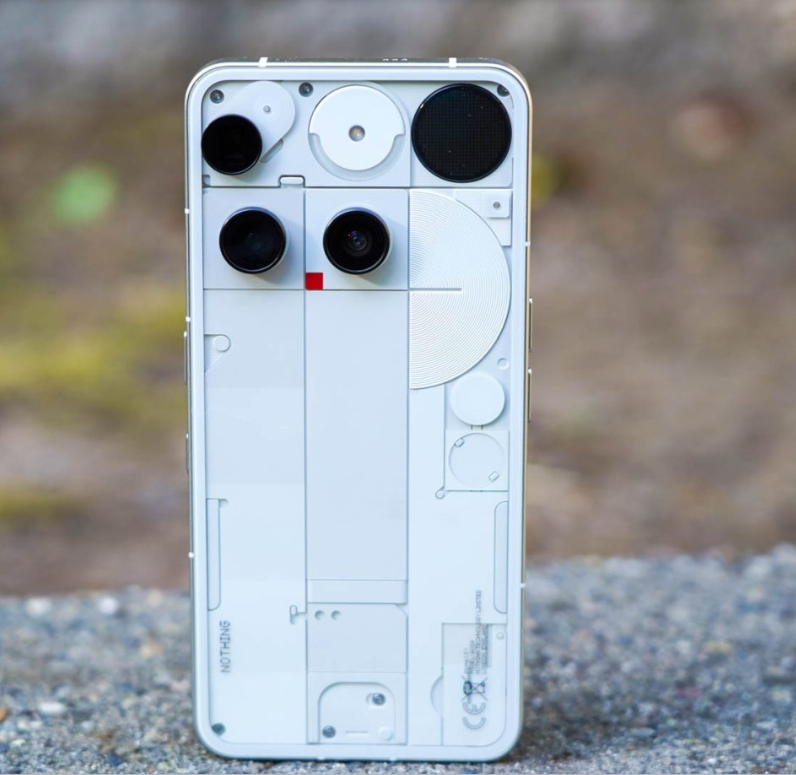

Nothing Essential Space Update the London-based tech startup known for its bold transparent design and clean software experience, has rolled out a major new update to its Essential Space productivity suite. This update, available on Nothing Phone (3), transforms the way users interact with tasks, notes, and recordings by bringing Google Calendar integration, AI summary editing, Flip-to-Record, and more.
If you’re using a Nothing Phone 3 or plan to get one soon, this article will walk you through everything new in this update — why it matters, how to get it, and how it can supercharge your daily productivity.
🌟 What is Essential Space in Nothing OS?
Before diving into the new features, let’s understand what Essential Space is.
Essential Space is Nothing’s AI-powered productivity hub introduced with Nothing OS 3.5. It allows users to manage tasks, voice recordings, screenshots, and AI-generated summaries, all from one intuitive interface. Activated via the Essential Key, the feature works quietly in the background to deliver contextual productivity suggestions without being intrusive.
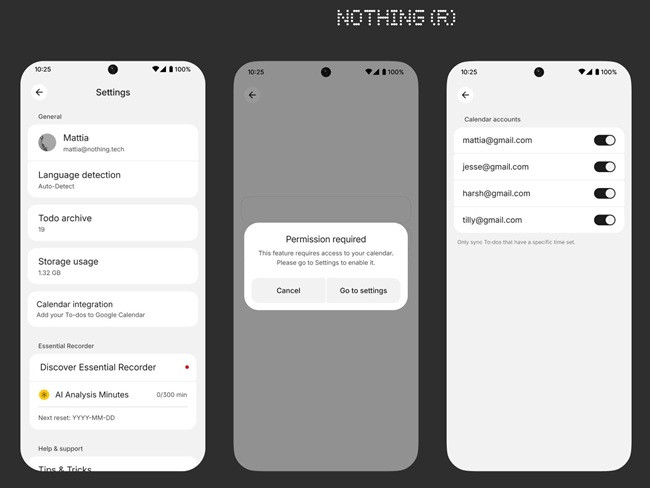
🔄 1. Google Calendar Integration: Smarter Task Management
The biggest highlight of the new Nothing Essential Space update is Google Calendar synchronization. You can now:
- Automatically sync to-do lists from Essential Space directly with your Google Calendar.
- View tasks as calendar events, complete with time and notification settings.
- Avoid app-hopping between to-do lists and calendars.
✅ Why It’s a Game-Changer:
Managing schedules across multiple apps is exhausting. This seamless integration simplifies your life by putting all your tasks where they belong — in your calendar. Whether you’re a student, remote worker, or entrepreneur, this helps ensure nothing slips through the cracks.
✍️ 2. Manual Editing for AI Summaries
Essential Space’s AI-generated summaries from recordings and notes are incredibly useful. But what if the AI misses a key point? That’s now solved.
With the latest update, users can:
- Edit AI-generated summaries manually.
- Add, delete, or revise content for accuracy.
- Ensure meeting notes, lectures, or voice memos are 100% reliable.
This level of control means your summaries are not only fast but tailored to your needs.
📤 3. Multi-Format Export Options
Once your summary or task list is complete, you can now export it in different formats, including:
- Markdown
- Image (JPG/PNG)
This flexibility allows for easy sharing across platforms, including email, WhatsApp, or collaboration tools like Notion or Slack.
Imagine attending a meeting, recording it, generating a summary, tweaking it, and exporting it as a polished PDF — all in under 10 minutes.
🔁 4. Flip-to-Record Feature (Phone 3 Exclusive)
Nothing has added a futuristic yet practical feature to Essential Recorder — the Flip-to-Record gesture.
How it works:
- Flip your Nothing Phone (3) face down to instantly start recording.
- Great for spontaneous conversations, interviews, or lectures.
⚠️ Note:
This feature is exclusive to the Phone 3 for now, but expected to roll out to Phone 3a and 3a Pro in the coming weeks.
🔥 Phone 3 Hardware Supports Smart Features
Why are these features rolling out on Phone 3 first?
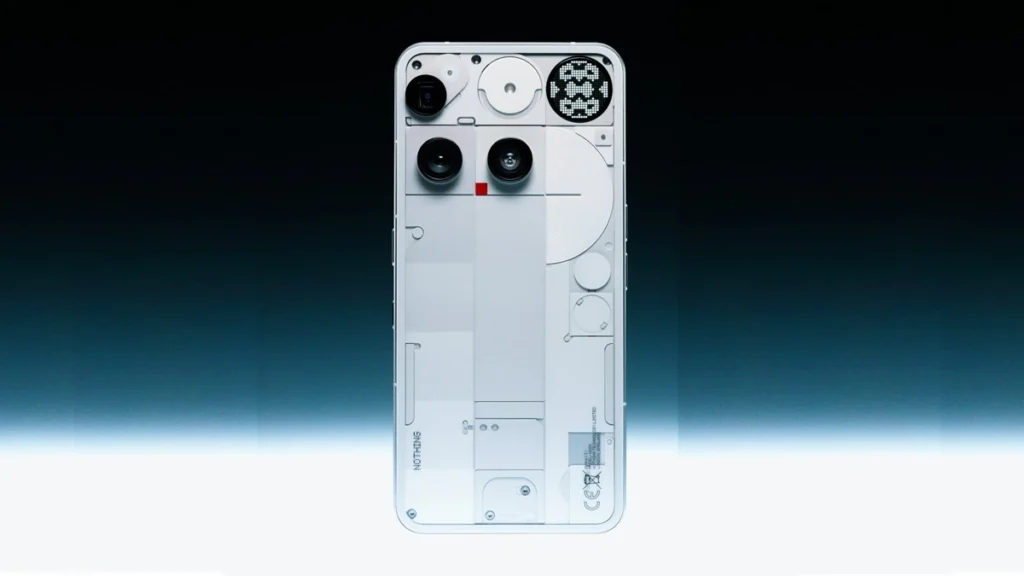
Because the Nothing Phone (3) is a true flagship:
- 6.67-inch OLED display
- Snapdragon 8s Gen 4 chip
- 5,500mAh battery with fast charging
- Triple 50MP rear cameras, including a periscope lens
- Glyph Matrix — nearly 500 programmable micro-LEDs
- TrueLens Engine 4 for advanced photo processing
With its AI-driven OS and robust internals, the Phone 3 provides the horsepower required for real-time AI summarization and seamless productivity.
🔧 How to Get the Nothing Essential Space Update
Getting the update is simple:
- Auto-Update Enabled?
If yes, Essential Space will update automatically via the Google Play Store when connected to Wi-Fi. - Manual Update:
- Open Google Play Store.
- Search for Essential Space or check under “My apps.”
- Tap Update.
Once updated, open the Essential Key and you’re good to go.
📱 Coming Soon: Mid-Range Phones Join the Party
Although the current rollout is limited to Nothing Phone (3), Nothing has confirmed that the features will soon expand to:
- Phone 3a
- Phone 3a Pro
This opens the door for mid-range users to enjoy flagship-level productivity tools without breaking the bank.
🌍 What This Means for Productivity Enthusiasts
The new Essential Space update positions Nothing as a serious player in the AI-enhanced productivity space. No longer just a quirky smartphone company, Nothing is building a real ecosystem for modern workflows.
🎯 Key Benefits:
- No need for third-party task or calendar apps.
- Summarize meetings and notes in seconds.
- Export content across platforms.
- Quick-access voice recording with gestures.
✅ Final Thoughts: A Minimalist’s Dream Productivity Setup
If you’re tired of cluttered productivity apps, the Nothing Essential Space update brings everything under one clean, intuitive umbrella. With AI-driven features, Google Calendar sync, and smart export tools, it’s now one of the most complete native productivity suites on Android.