


📢 Introduction
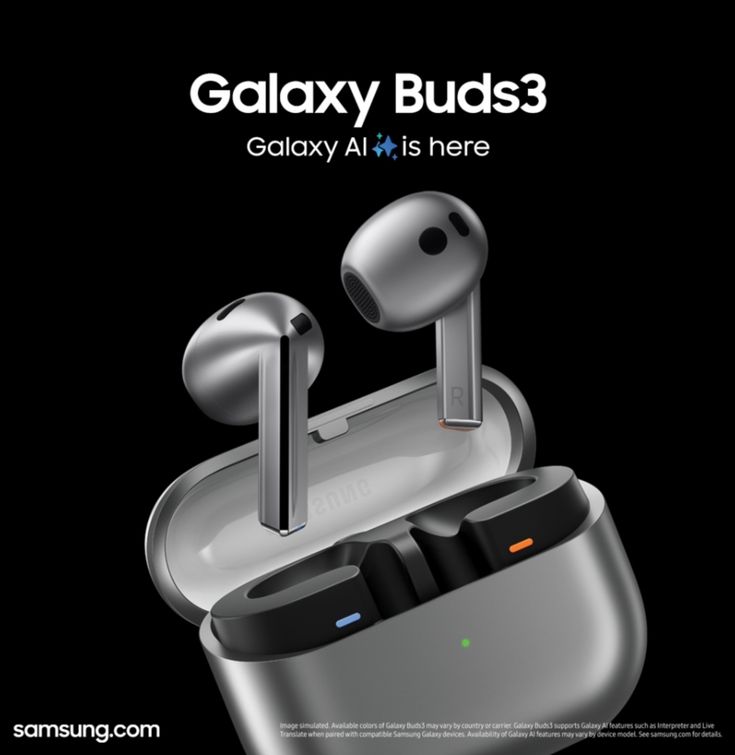
Samsung has just started rolling out Gemini voice assistant support for its newly launched Galaxy Buds 3 and Samsung Galaxy Buds 3 Pro. But here’s the twist: 🔐 You must be on Android 16 (One UI 8) to use it. That means not everyone can access this powerful new AI assistant just yet.
In this article from TipsRocket, we’ll break down everything you need to know about this exciting update—from features to device compatibility, setup guide, pros & cons, and what to expect moving forward.
🤖 What Is Gemini?
Gemini is Google’s next-gen voice assistant powered by AI and large language models. It’s smarter, faster, and more contextual than Google Assistant. Think of it like your personal AI sidekick that can do more than ever before — from writing texts to planning your day — all through your earbuds!
🧠 Key Features of Gemini:
- Understands complex voice commands
- Handles follow-up questions
- Deep integration with Google services
- More conversational and helpful responses
🎧 Which Galaxy Buds Support Gemini?
✅ Galaxy Buds 3
✅ Galaxy Buds 3 Pro
These are the first Samsung earbuds to get native Gemini support, putting them on par with Google’s Pixel Buds Pro 2.
📱 Device Compatibility: You Need Android 16
Here’s the kicker: The Gemini voice assistant only works if your paired device is running Android 16 (Samsung’s One UI 8).
📲 Supported Devices (So Far)
- Galaxy S25 series (currently in beta)
- Galaxy Z Fold 7 (ships with One UI 8)
- Galaxy Z Flip 7 (ships with One UI 8)
Other Samsung phones will likely receive One UI 8 soon, but for now, only these devices unlock Gemini features on Buds 3.
⚙️ How to Set Up Gemini on Galaxy Buds 3
Here’s how to enable Gemini on your Galaxy Buds once you’re on Android 16:
- 🔄 Update your Galaxy Buds 3 firmware via the Galaxy Wearable App
- 🔄 Make sure your phone is running One UI 8 / Android 16
- 🗣️ Open the Wearable App → Go to Voice Controls
- 👇 Tap “Set up Google digital assistant”
- ✅ Follow on-screen steps to link Gemini
💡 Note: If you don’t see this option, it may still be rolling out in your region.
✅ Pros & ❌ Cons of Gemini on Galaxy Buds 3
✅ Pros
🧠 Smarter Interactions – Gemini understands context better than the old Google Assistant.
🎙️ Hands-Free Control – Send messages, get directions, or play music without touching your phone.
📲 Better Google Integration – Works great with apps like Gmail, Maps, YouTube, and Calendar.
🔄 Future-Proof – Tied to Google’s evolving AI ecosystem.
🔋 Power Efficient – Designed to work efficiently on Galaxy Buds without draining battery.
❌ Cons
🔒 Android 16 Required – Most users can’t access it yet unless they have the latest Samsung flagship.
📶 Rollout Is Inconsistent – Some users report missing features even on supported devices.
🌍 Region-Limited – May not be available globally just yet.
🧪 Still in Beta Phase – Expect occasional bugs or disconnects.
📊 Samsung Galaxy Buds 3 vs Pixel Buds Pro 2 (Gemini Integration)
| Feature | Galaxy Buds 3 | Pixel Buds Pro 2 |
|---|---|---|
| Gemini Support | ✅ (Android 16 only) | ✅ (At launch) |
| Google Integration | ✅ | ✅ |
| AI Assistant Setup | Galaxy Wearable App | Pixel Buds App |
| Rollout Status | 🟠 (Limited) | 🟢 (Widespread) |
| OS Requirement | Android 16 (One UI 8) | Android 14+ |
🧭 What If You Don’t See Gemini Yet?
Don’t panic. Try these steps:
🧼 Clear Cache of Galaxy Wearable App
🔄 Reinstall the app and restart your phone
🕵️♂️ Check for latest software update
📅 Wait for regional rollout (Samsung often phases out updates by market)
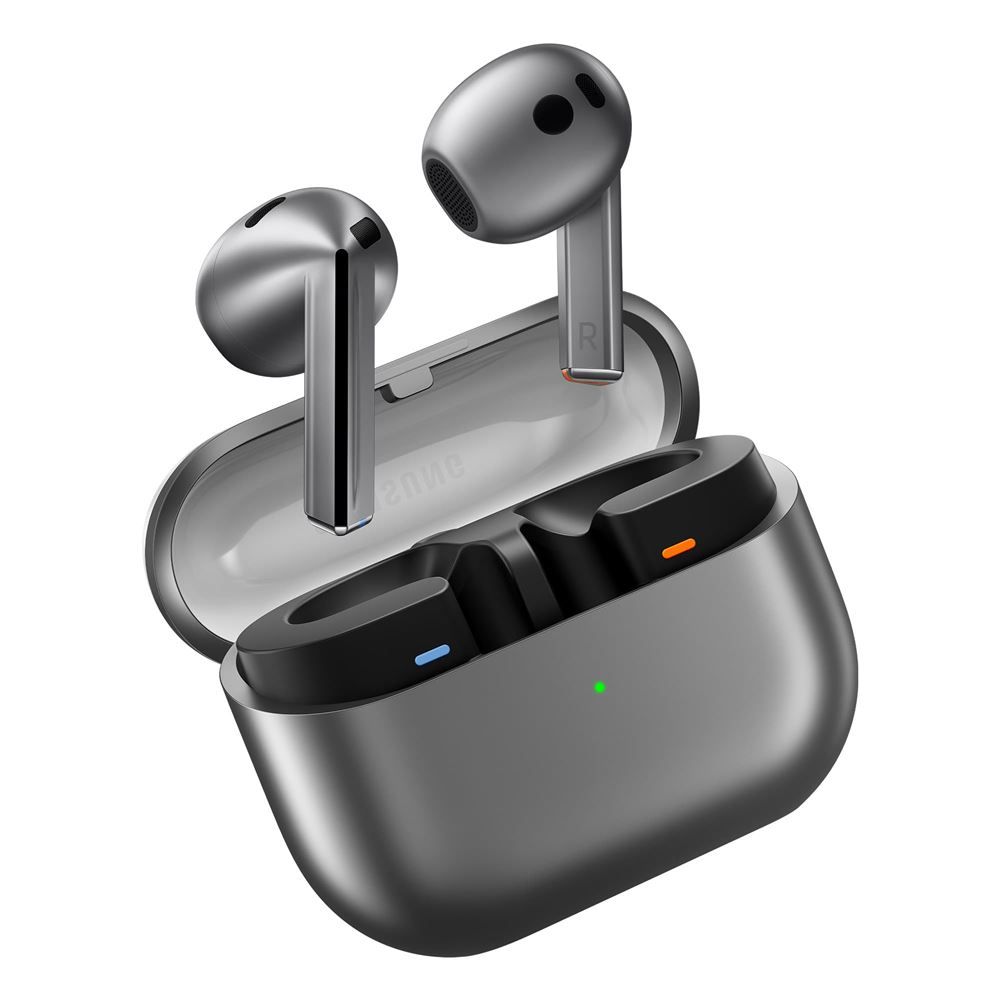
🔮 What’s Next for Samsung Galaxy Buds 3?
Samsung is clearly embracing Google’s AI roadmap, and Gemini on Galaxy Buds is just the beginning. Expect:
🚀 Broader rollout with stable One UI 8
🌐 Wider global availability
🔗 Tighter integration with SmartThings & Google Home
🆕 More AI features coming in future firmware updates
📌 Conclusion: A Game-Changer—If You Can Access It
The Samsung Galaxy Buds 3 Gemini integration is a big step forward in merging Samsung hardware with Google’s powerful AI tools. It promises smarter voice commands, hands-free convenience, and a better overall experience—but only if you’re using a phone running Android 16.
If you already have a Galaxy S25 or the new Z Fold/Flip 7, you’re among the lucky few who can try it out today. For everyone else, keep your eyes peeled—Gemini is coming soon to a device near you!
🔗 Stay Updated with TipsRocket.in
For the latest on Samsung updates, Android releases, and Gemini tips & tricks, make sure to bookmark TipsRocket.in and follow us on social media.
📰 Got questions or want a tutorial on setting up Gemini? Drop a comment below, and we’ll help you out


