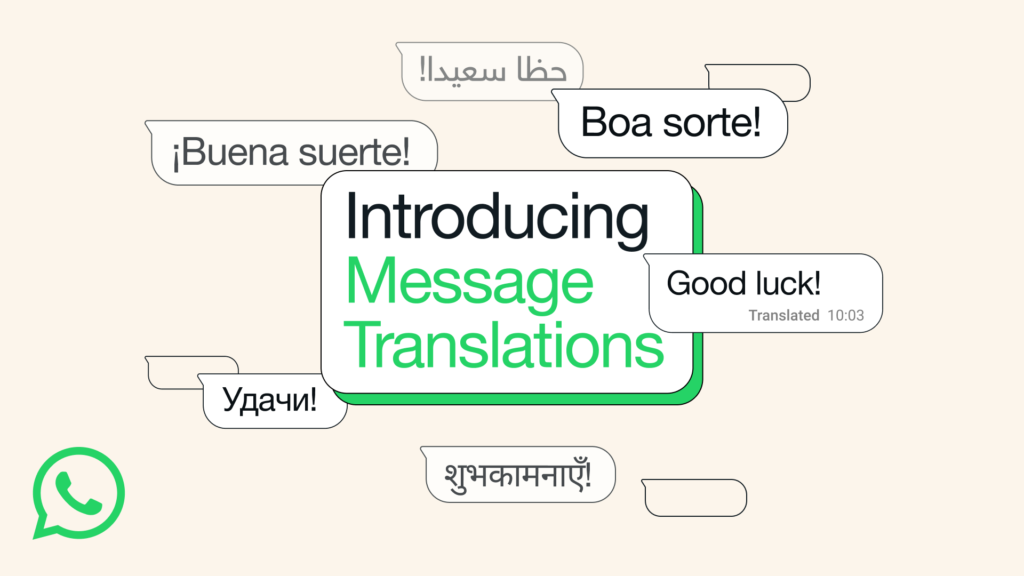

WhatsApp’s Real-Time Translation: Breaking Language Barriers
More than 3 billion people across 180+ countries use WhatsApp to stay connected with friends, family, and colleagues. Until now, chatting across different languages could require copying messages into external translation apps—disrupting the flow and raising privacy concerns. WhatsApp’s new message translation feature solves this by integrating instant translations directly into the application interface.
Why On-Device Translation Matters
Privacy concerns are rising as more conversations happen online. Unlike many translation tools that send your messages to cloud servers, WhatsApp’s translations occur entirely on your device. Not only does this preserve message encryption, but it also means WhatsApp itself never sees the content being translated, putting users firmly in control of their chat security.
Platform Differences: Android vs. iOS Language Support
WhatsApp’s translation tool comes with some key platform distinctions:
Android users have the advantage of auto-translation for entire chat threads, meaning every new message in the selected chat is instantly translated by default. iPhone users enjoy broader language support but currently must translate messages one by one.

How to Use WhatsApp’s Translation Feature
Getting started is a breeze for both platforms:
- Update WhatsApp to the latest version.
- Find any message in another language.
- Long-press on the message.
- Tap “Translate” from the context menu.
- Choose the desired language if prompted (downloading language packs if needed).
- For Android, toggle automatic translation for the whole chat if preferred.
This feature is available for direct chats, group conversations, and even Channel updates, ensuring everyone speaks their language of choice.
Real-World Use Cases
Imagine collaborating with international colleagues in a work group chat or communicating with family members who are more comfortable in their native language. Instead of pasting messages into Google Translate or similar apps, now every group member can follow along in the language they understand best—without any privacy worry.
For example:
- Businesses handling multilingual customer support via WhatsApp can reply to customers in their own language and instantly understand incoming queries from around the globe.
- Travel groups with diverse participants can coordinate plans and share updates without language confusion.
- Global family chats can flow naturally, no matter where relatives or friends are based.
The Privacy Edge: Keeping Translations Local
Meta emphasizes this privacy-first approach by ensuring:
- All translations are handled locally on your phone (no server contact).
- End-to-end encryption stays fully intact.
- Translated messages are never accessible to WhatsApp or Meta, maintaining the highest user trust.
Upcoming Enhancements: More Languages and Wider Rollout
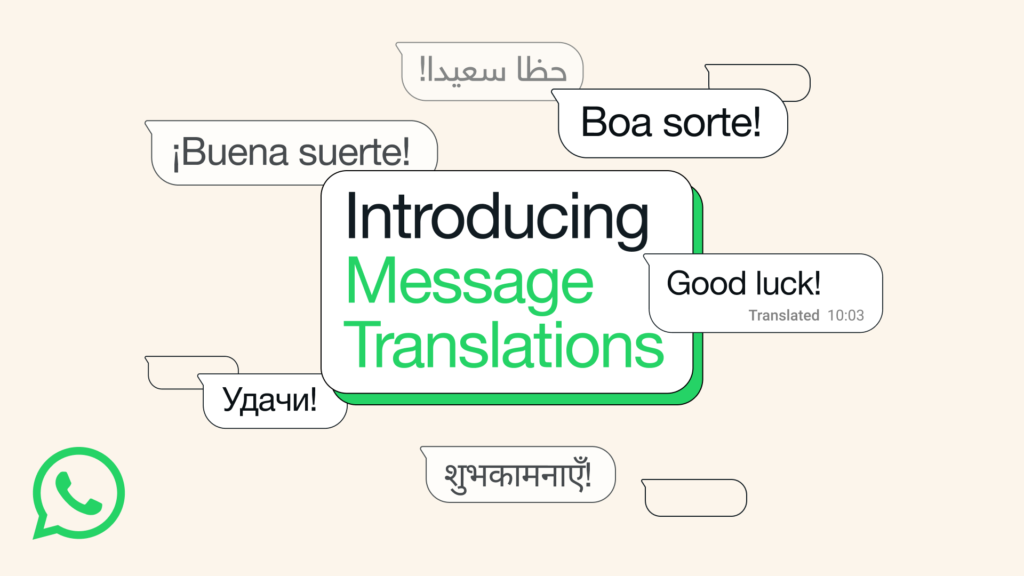
While currently available in a subset of languages, WhatsApp confirms more languages are coming soon as the rollout expands.
- Users are encouraged to keep their apps updated for the latest support.
- The feature’s automatic translation may eventually arrive on iOS, and support for WhatsApp’s web and desktop versions is also anticipated in future updates.
Step-by-Step Guide: Turning on Translation
For Android:
- Open any chat thread.
- Long-press a message, tap “Translate.”
- To auto-translate, go to chat settings and enable “Automatic translation.”
For iPhone:
- Long-press a message and choose “Translate.”
- Select desired language as needed.
Users can also save commonly used languages for rapid future translations.
Quick Advantages and Limitations
Pros
- Integrated, fluid user experience (no switching apps).
- Industry-leading privacy due to on-device processing.
- Especially powerful for multicultural groups or international businesses.
- Auto-translate capability on Android saves time in active chats.
Cons
- Limited language selection at launch, mainly for Android.
- Auto-translate not yet available on iPhone.
- Gradual rollout may mean not all users see the feature immediately.
Frequently Asked Questions (FAQs)
How do I enable WhatsApp message translation?
Long-press any message and tap “Translate.” Android users can also enable chat-level auto-translation in settings.
Which languages are supported at launch?
Android: English, Spanish, Hindi, Portuguese, Russian, Arabic.
iPhone: Arabic, Dutch, English, French, German, Hindi, Indonesian, Italian, Japanese, Korean, Mandarin Chinese, Polish, Portuguese, Russian, Spanish, Thai, Turkish, Ukrainian, Vietnamese.
Is my chat data being sent to WhatsApp when translating?
No, all translations happen on your device, not on WhatsApp’s servers, ensuring maximum privacy and security.
Can I auto-translate all new messages in a chat?
Yes, but only on Android for now. Enable this feature in the chat’s options.
Will translation support expand to more languages and devices?
Yes, WhatsApp confirms more languages and possible web/desktop support are coming soon.
Who might benefit most from this feature?
Multilingual families, international business teams, support centers, and global friend groups will all see significant benefit from integrated, real-time translation.
Conclusion
WhatsApp’s real-time message translation marks a huge step forward in making global, cross-language conversations effortless and secure. By translating messages on-device for privacy and offering both instant and automatic options, the feature directly responds to the needs of today’s mobile, multicultural world. As language support grows, the power to connect more deeply—no matter the native tongue—has never been more accessible or more secure.
This makes WhatsApp not just a messenger but a universal conversation platform, helping break down linguistic barriers in both daily and professional interactions.